
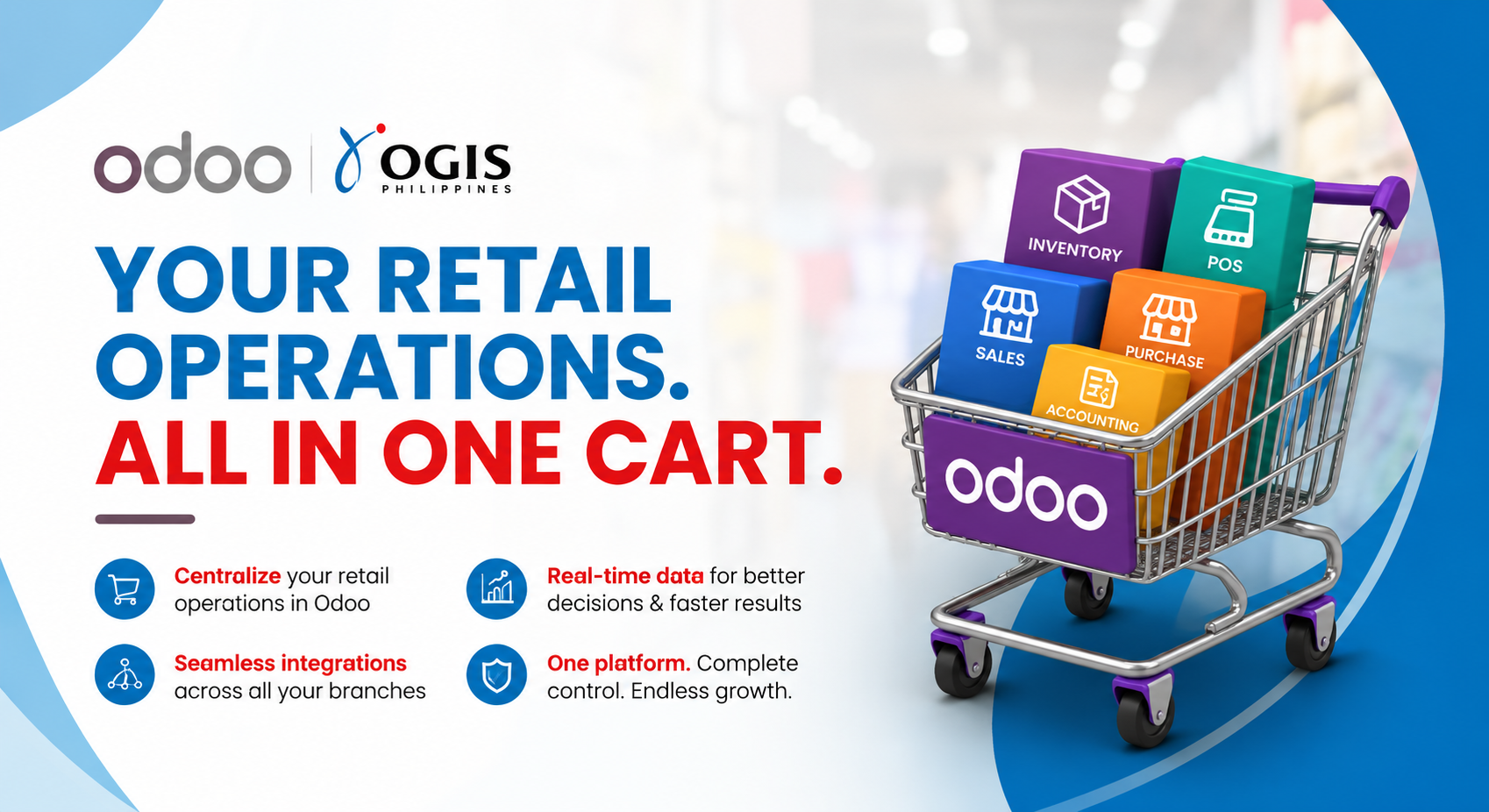
As the retail industry in the Philippines expands across physical stores, e-commerce, marketplaces, and multiple branches, disconnected systems make it harder to see what is selling, where stock is located, and what needs attention next. Odoo can bring point of sale, inventory, sales, purchasing, and accounting into one connected retail management system.
When Growth Outpaces Disconnected Systems
It started with one store.
The owner knew what was on the shelves, which products sold quickly, and how much money came in at the end of the day.
Then the business grew.
A second branch opened. Then a third. Sales started coming from different stores, online channels, and other locations. More products were added. More employees handled transactions. More suppliers had to be monitored.
Growth was good. But suddenly, one simple question became difficult to answer:
How much stock do we actually have?
The answer might be different depending on who you ask. The store manager may have one number, the warehouse another, and the sales team yesterday's report. Accounting may still be waiting for sales records to be consolidated.
This is a common problem when retail operations grow faster than the systems managing them. A connected retail software platform becomes valuable because every team can work from the same operational data instead of reconciling separate files and reports.
The Philippine Retail Challenge Is More Connected
Retail is no longer limited to a physical store. The Philippine Statistics Authority reported that the country's digital economy reached PHP 2.74 trillion in 2025, equivalent to 9.8 percent of gross domestic product. E-commerce accounted for 32.2 percent of the digital economy.
For retailers, this means customers can interact with a business through stores, websites, marketplaces, and other digital platforms. E-commerce in the Philippines adds opportunity, but it also creates more orders, stock movements, customer records, and sales data to coordinate.
A sale happens at Branch 1. Another sale happens at Branch 2. An online order comes in. Inventory moves from one location to another. Accounting needs the sales information.
If these activities are managed in separate systems, keeping everything aligned becomes difficult. This is why many growing retailers evaluate a retail ERP software platform rather than adding another standalone tool.
Sources: Philippine Statistics Authority — Philippine Digital Economy Satellite Account 2025
One Inventory Problem Can Create Many Problems
Imagine a customer visits Branch 1 looking for a product. The system says it is available, but the item is actually sitting in Branch 2. The customer leaves without buying while Branch 2 holds excess stock of the same product.
The business has inventory, but it is not in the right place. This is where retail inventory management and real-time visibility become important.
Instead of checking different spreadsheets, systems, or reports, retailers need a clearer view of stock across stores and warehouses. An inventory management system should help teams see quantities, movements, replenishment needs, and transfers without waiting for manual consolidation.
From Separate Systems to One Retail Management System
This is where Odoo can help.
Odoo connects important retail activities such as Point of Sale, Inventory, Sales, Purchase, and Accounting within one business platform. For retailers comparing a POS system in the Philippines, the broader question is whether the checkout transaction can stay connected to stock, purchasing, sales reporting, and accounting as the company grows.
When a product is sold through Odoo POS, the transaction can update connected inventory information. Odoo's official Point of Sale features also support real-time stock monitoring across locations, while Odoo Inventory supports multi-warehouse operations, stock transfers, replenishment alerts, and reordering rules.
The result is not simply a faster checkout. It is a retail POS system connected to the operational processes behind every sale.
Sources: Odoo Point of Sale Features · Odoo Inventory Features
What Connected Retail Operations Can Look Like
Point of sale and stock
Odoo POS can connect each completed sale with inventory data, helping store teams work from more current stock information.
Multiple stores and warehouses
Odoo Inventory can manage stock and replenishment across locations and support transfers between warehouses.
Purchasing and replenishment
Reordering rules can trigger purchasing or inter-warehouse transfers when stock reaches defined thresholds.
Sales and accounting
Connected applications reduce repeated data entry and give finance teams a clearer path from transactions to financial records.
Online and physical channels
Odoo eCommerce and Odoo POS can share product and inventory information when configured as part of the same environment.
Instead of asking, 'Which report should I check?' the business can ask, 'What does the business need next?'
Need to know which products are running low? Odoo Inventory can support replenishment decisions. Need to review sales across branches? Odoo POS can provide a consolidated view. Need to move stock to the store where demand is stronger? Connected location data can help the team act sooner.
Sources: Odoo Point of Sale Features · Odoo Inventory Features · Odoo eCommerce Features
Why This Matters for Growing Philippine Retailers
Retail growth should not mean more confusion. The bigger the business becomes, the more important it is to have accurate information, connected processes, and timely visibility.
A retail management system will not replace sound processes or good implementation decisions. It can, however, give the business one operational foundation for POS, inventory, purchasing, sales, accounting, and multi-branch management.
Odoo Philippines projects should begin with the retailer's actual workflows: where orders start, how stock moves, who approves purchasing, how returns are handled, and what finance needs at day-end and month-end. That implementation discipline is what turns connected applications into useful operating control.
Because the goal is not simply to sell more products. It is to build a retail business that can grow without losing control of its operations.
Frequently Asked Questions
What Is a Retail Management System?
A retail management system is a connected platform for managing core retail processes such as point of sale, inventory, purchasing, sales reporting, customer information, and accounting. The exact scope depends on the retailer's operating model and configuration.
Can Odoo Manage Multiple Stores and Warehouses?
Yes. Odoo's Point of Sale and Inventory applications support multiple shops, warehouses, locations, stock transfers, and replenishment workflows. The final setup should reflect the retailer's branches, roles, controls, and reporting requirements.
How Does Odoo POS Work with Inventory?
Odoo POS can connect sales transactions with stock information. Odoo states that its POS stock integration can monitor inventory in real time across locations, while Odoo Inventory keeps stock levels synchronized with connected sales and warehouse operations.
What Should Retailers Review Before Implementing Odoo?
Retailers should map stores and warehouses, product and barcode structures, pricing, taxes, approvals, purchasing, returns, payment methods, accounting, user access, reporting, integrations, and data migration. A phased design and user testing plan can reduce implementation risk.
Ready to Connect Your Retail Operations?
Explore how Odoo can connect inventory, POS, sales, purchasing, accounting, e-commerce, and multi-branch operations in one integrated platform. Request an Odoo trial or demo with OGIS Philippines to discuss what a connected retail operation could look like for your business.
Request an Odoo Trial or Demo