
OGIS Philippines | Cloud Insights · Technology Guide
A practical guide for organizations running ERP, production, warehouse, and other business-critical applications on aging infrastructure.
Key date
Microsoft will end extended support for Windows Server 2016 on January 12, 2027.
Executive Summary
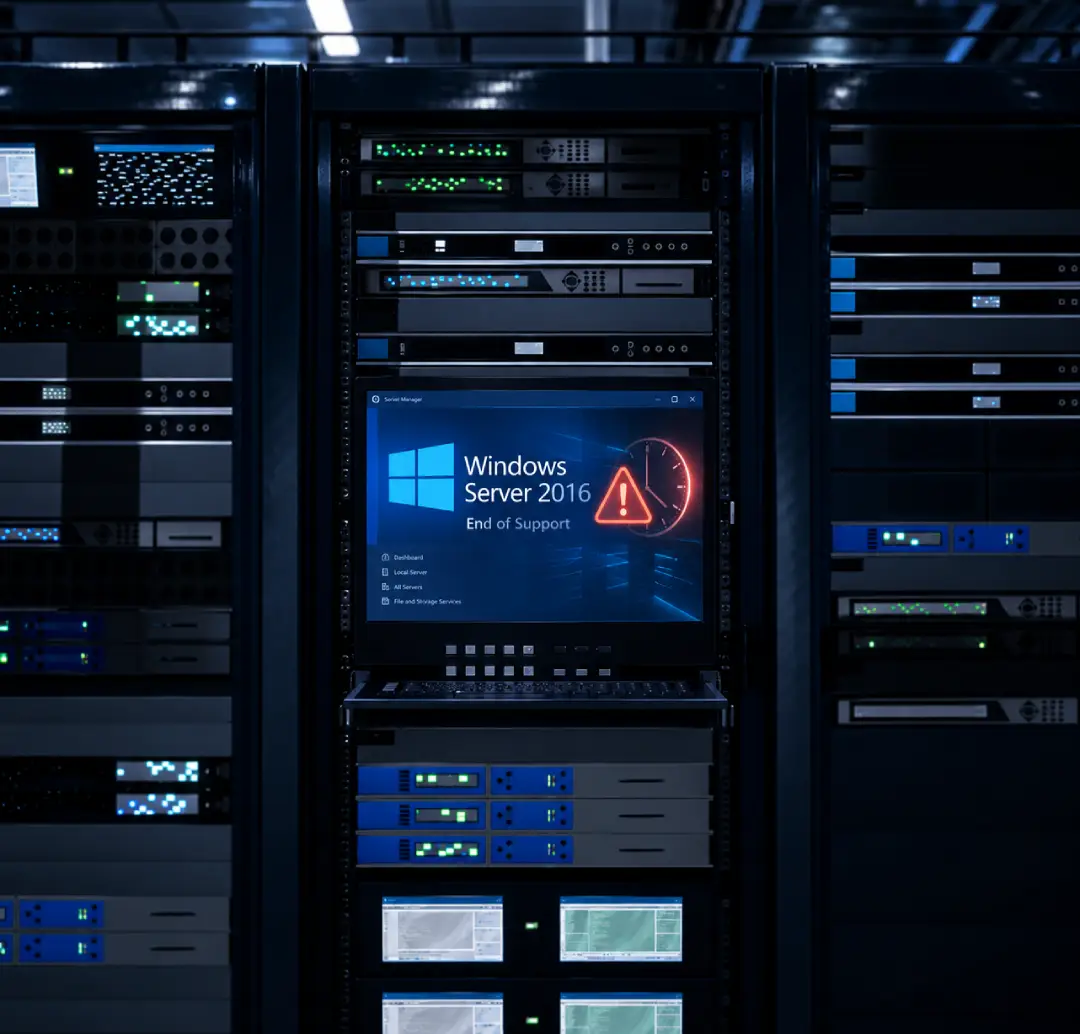
Windows Server 2016 reaches the end of extended support on January 12, 2027. After this date, standard security updates and general product support end. New features and non-security improvements are not part of extended support.
Microsoft has announced paid Extended Security Updates for eligible Windows Server 2016 environments. ESUs can provide critical and important security updates for up to three years, but they do not include new features or full product support. Microsoft describes ESUs as a temporary bridge while organizations move to a supported platform.
For Philippine manufacturers and other organizations that depend on ERP, production, warehouse, finance, or analytics systems, the deadline is not only an IT concern. A rushed infrastructure decision can affect security, compliance, uptime, cost, and daily operations.
What End of Support Means
End of support does not mean that Windows Server 2016 will suddenly stop running. Applications hosted on it may continue to operate. The concern is that the underlying operating system will no longer receive standard protection and support from Microsoft.
After January 12, 2027, organizations without appropriate ESU coverage will no longer receive standard security updates. General product support also ends; new features and non-security improvements are already outside the extended-support offering.
The longer an unsupported server remains in production, the more difficult it may become to manage security findings, vendor requirements, application compatibility, and audit concerns.
Extended Security Updates: Useful, but Temporary
Microsoft's ESU program is a paid option for eligible customers that need more time to upgrade or migrate. For Windows Server, coverage may be obtained through Azure Arc-enabled servers or eligible commercial licensing arrangements. Availability, eligibility, and pricing depend on the customer's licensing environment.
ESUs may provide critical and important security updates for up to three years after the end-of-support date. However, they do not extend the normal product lifecycle and do not provide complete technical support.
Practical takeaway
ESUs can reduce immediate security exposure while a migration is being prepared. They should be treated as a transition measure, not as permission to delay planning for another three years.
Why This Matters to Philippine Operations
Many Philippine organizations run business-critical applications on servers that have been stable for years. These environments often support multiple branches, plants, warehouses, and remote users. Replacing them requires careful planning because even a short disruption can affect production, order processing, inventory, deliveries, or financial reporting.
Common systems that may be affected include:
- Enterprise resource planning and finance systems
- Manufacturing execution and production planning systems
- Warehouse and inventory management systems
- Vendor and supply chain platforms
- Point-of-sale and branch applications
- Business intelligence, reporting, and analytics tools
The decision should also consider local operating realities such as power reliability, internet connectivity, disaster recovery, data residency, regulatory obligations, and the availability of internal IT resources.
Four Options to Consider
1. Upgrade the Operating System
Move the workload to a supported version of Windows Server while retaining the application on-premises or in its current hosting environment. This may be suitable when the application is compatible and the organization still prefers to operate its own infrastructure.
2. Migrate the Application to the Cloud
Move the application and database to a supported cloud environment. This may reduce dependence on physical hardware while improving scalability, monitoring, backup, and disaster recovery. The right platform depends on the workload, application support requirements, data location, security needs, and budget.
3. Use ESUs as a Bridge
Purchase eligible Extended Security Updates to protect the server temporarily while an upgrade or migration is prepared. This can help when an application requires more testing, vendor coordination, budget approval, or a longer transition period.
4. Use a Phased or Hybrid Approach
Move selected workloads first while retaining others temporarily. A phased approach may reduce operational risk when several applications, databases, branches, plants, or third-party integrations are involved.
What to Assess Before Making a Decision
Start with the applications and business processes that depend on the server, not with the cloud platform.
- Which applications and databases run on Windows Server 2016?
- Which departments, plants, warehouses, or branches use them?
- What integrations exchange data with these systems?
- Are the applications supported on a newer operating system or cloud environment?
- What are the acceptable downtime and recovery requirements?
- How are backup, disaster recovery, access, and monitoring handled today?
- What hardware, licensing, maintenance, power, and support costs will continue if nothing changes?
- What testing and vendor approvals are required before cutover?
This assessment creates the basis for comparing an upgrade, a cloud migration, temporary ESU coverage, or a phased combination of these options.
Why Planning Should Start Now
A business-critical migration rarely involves one server alone. ERP and operational applications often depend on databases, file shares, reporting tools, identity services, third-party software, branch connections, and undocumented manual processes.
Starting early gives the organization time to:
- Confirm the actual scope and dependencies
- Coordinate with application and database vendors
- Compare technical options and estimated costs
- Secure management approval and budget
- Prepare backup, rollback, and continuity requirements
- Test the target environment before go-live
- Schedule cutover during an appropriate operating window
How OGIS Philippines Can Help
OGIS Philippines helps organizations assess, migrate, and manage business-critical applications across AWS, Alibaba Cloud, and Google Cloud.
Assess
Review applications, infrastructure, known dependencies, end-of-support exposure, recovery requirements, and potential cloud options.
Migrate
Provision the target environment, migrate applications and databases, configure security and recovery, conduct testing, and support go-live.
Manage
Provide ongoing infrastructure monitoring, technical support, backup and recovery management, security management, and cost and performance optimization.
Start With a Cloud Migration Assessment
The OGIS Cloud Migration Assessment provides an initial review of your business-critical applications, infrastructure, dependencies, risks, and possible cloud direction.
The assessment may include:
- An application and dependency overview
- A summary of end-of-support, availability, recovery, and high-level security risks
- An initial cloud approach based on business and technical requirements
- Suggested migration priorities and considerations
- An indicative three-year infrastructure cost comparison based on available information
- A walkthrough of findings and recommended next steps
Understand your risks. Plan your next step.
Understand which systems may be affected and what your organization should do next. Request a Cloud Migration Assessment from OGIS Philippines.
Get a Cloud Migration Assessment TodayFrequently Asked Questions
Will Windows Server 2016 stop working on January 12, 2027?
No. The software may continue running, but standard Microsoft security updates and general product support will end. Eligible ESU coverage provides limited security updates; it does not restore full product support.
Are Windows Server 2016 ESUs available?
Yes. Microsoft announced Extended Security Updates for Windows Server 2016 in February 2026. ESUs are a paid, limited, and temporary option for eligible environments.
Can we move an old application directly to the cloud?
Possibly, but compatibility must be assessed first. The application vendor, database, operating system, integrations, security requirements, and expected performance all need to be considered.
Does every organization need to migrate?
No. Some organizations may upgrade on-premises, use ESUs temporarily, migrate selected workloads, or adopt a phased approach. The correct decision depends on the environment and business requirements.